![Logo-RGB-color-solid.png]](https://help.kahlerautomation.com/hs-fs/hubfs/Logo-RGB-color-solid.png?height=40&name=Logo-RGB-color-solid.png)
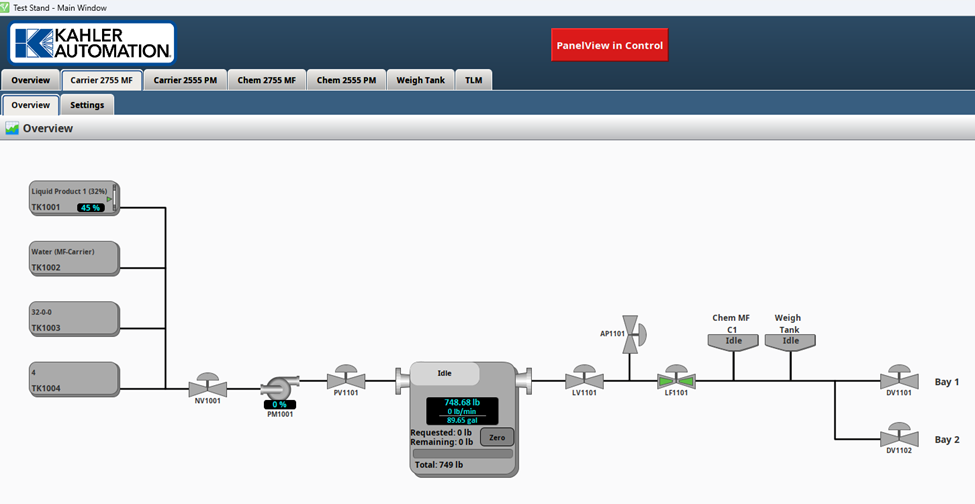
Each sub-system in a FLEXCOMMAND system may have its own focused view, especially with liquid facilities. Such views show equipment specific to the sub-system and may allow different controls to a system or show differing parts of the process to operate a facility.
Open a focused view by clicking on the system tab across the top of the screen.
Found alongside the overview are subsystem-specific settings where products or controllers may be configured.
Still Need Help?
Submit an online web ticket or call us at Kahler Automation 507-235-6648 Option 2.